


Android TV & TV Boxes: Complete Guide 2026 - Which Box Is Best For You
Confused about Android TV and TV Boxes? Read this complete guide to setup, features, and best boxes for home use in 2026.Article:What is Android TV & TV Box?Android TV is a smart TV system made by Google. It turns your normal TV into a smart TV. You can watch YouTube, Netflix, browse the internet, and install apps from the Google Play Store.A TV Box is a small device that you connect to your TV with HDMI cable. If your TV is not smart, a TV Box makes it smart.Android TV vs TV Box - What is the Difference?Many people get confused.Android TV: This is built inside the TV. Like Sony, TCL, Hisense TVs have Android TV inside.TV Box: This is a separate device. You connect it to any old LED TV.If you already have a smart TV, you do not need a box. If you have an old LED TV, a TV Box is the best and cheapest option.What to Check Before Buying a TV Box?Do not just see the price. Always check these 5 things:1. Processor and RAM
For smooth use, take at least 4GB RAM and Quad-Core processor. 2GB RAM box will hang a lot.2. Storage Take at least 32GB storage. So you can install apps easily.3. Android Version Always take Android 11 or above. Old Android 9 boxes are slow now.4. 4K Support If your TV is 4K, take a 4K supported box. Otherwise video quality will not be good.5. WiFi and Ports
Take Dual Band WiFi (2.4GHz + 5GHz), 1 HDMI, 1 USB, and LAN port.How to Setup Android TV Box? - Step by StepSetup is very easy, it takes only 5 minutes.
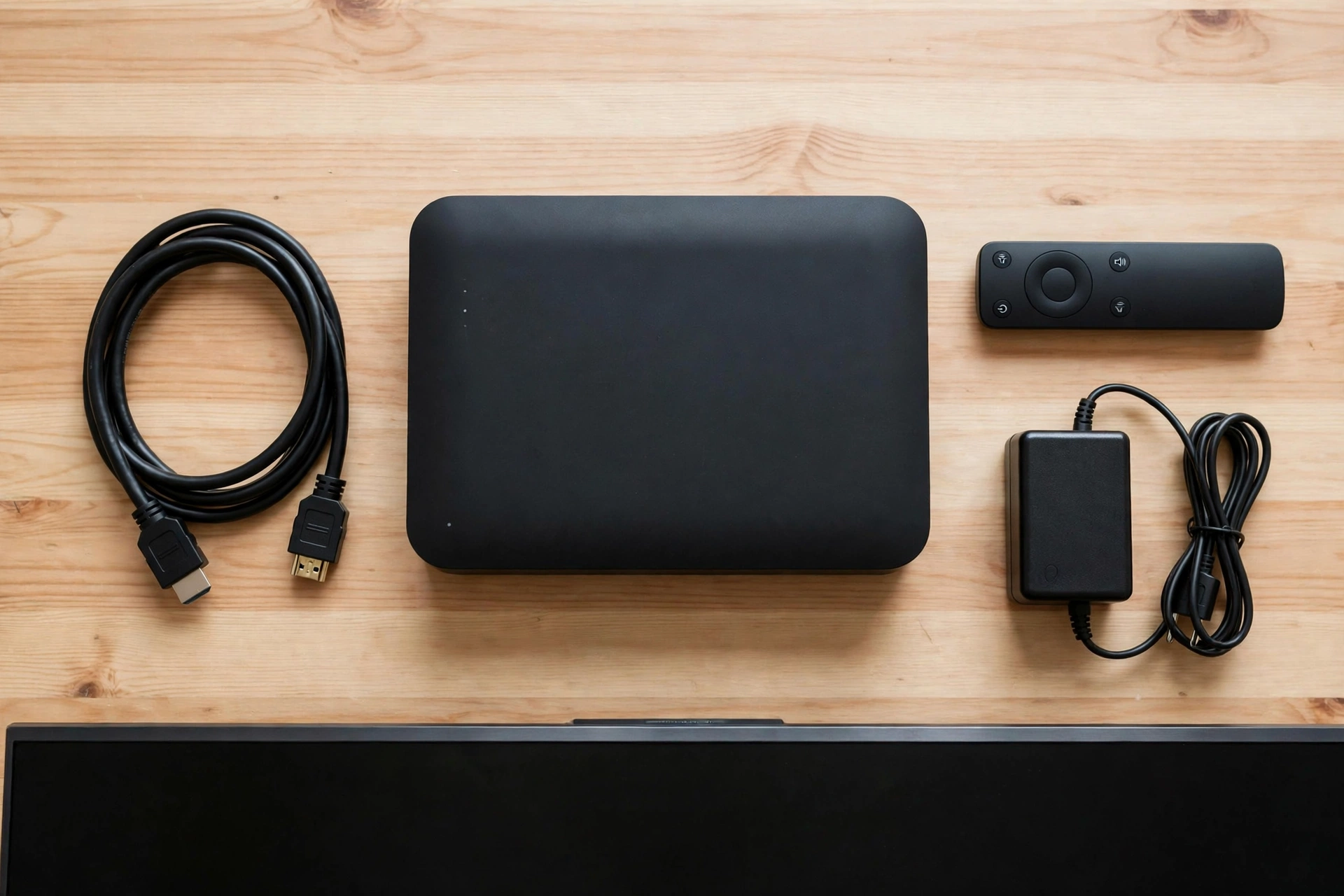
Step 1: Connect TV Box to TV with HDMI cable.
Step 2: Connect power adapter and turn on the box.
Step 3: Connect WiFi or LAN cable.
Step 4: Login with your Google account.
Step 5: Go to Play Store and install your favourite apps like YouTube, Netflix.
Step 6: Go to Settings > Display and set resolution to 1080p or 4K.Your box is ready.
Best Tips to Make Your TV Box FastIf your box is slow, do this:Remove unused apps.Clear cache from Settings > Apps.Do not install apps from unknown websites. Only use Play Store.Restart your box once a week.Use 5GHz WiFi for better speed.Which TV Box is Best for Home Use?For normal home use, a certified Android TV box is always best. Certified box means it has official Netflix and YouTube support. Non-certified boxes often have problems with HD video.Always buy from a trusted shop with warranty.Final WordsAndroid TV Box is the best way to make your old TV smart without buying a new TV. Just choose the right box with good RAM, latest Android, and 4K support, and your TV experience will become much better.Do you have a TV Box? Which model are you using? Comment below and share your experience.
AVG AntiVirus Security Free for Android: Features
Confused about Android TV and TV Boxes? Read this complete guide to setup, features, and best boxes for home use in 2026.Article:What is Android TV & TV Box?Android TV is a smart TV system made by Google. It turns your normal TV into a smart TV. You can watch YouTube, Netflix, browse the internet, and install apps from the Google Play Store.A TV Box is a small device that you connect to your TV with HDMI cable. If your TV is not smart, a TV Box makes it smart.Android TV vs TV Box - What is the Difference?Many people get confused.Android TV: This is built inside the TV. Like Sony, TCL, Hisense TVs have Android TV inside.TV Box: This is a separate device. You connect it to any old LED TV.If you already have a smart TV, you do not need a box. If you have an old LED TV, a TV Box is the best and cheapest option.What to Check Before Buying a TV Box?Do not just see the price. Always check these 5 things:1. Processor and RAM
For smooth use, take at least 4GB RAM and Quad-Core processor. 2GB RAM box will hang a lot.2. Storage Take at least 32GB storage. So you can install apps easily.3. Android Version Always take Android 11 or above. Old Android 9 boxes are slow now.4. 4K Support If your TV is 4K, take a 4K supported box. Otherwise video quality will not be good.5. WiFi and Ports
Take Dual Band WiFi (2.4GHz + 5GHz), 1 HDMI, 1 USB, and LAN port.How to Setup Android TV Box? - Step by StepSetup is very easy, it takes only 5 minutes.
Step 1: Connect TV Box to TV with HDMI cable.
Step 2: Connect power adapter and turn on the box.
Step 3: Connect WiFi or LAN cable.
Step 4: Login with your Google account.
Step 5: Go to Play Store and install your favourite apps like YouTube, Netflix.
Step 6: Go to Settings > Display and set resolution to 1080p or 4K.Your box is ready.
Best Tips to Make Your TV Box FastIf your box is slow, do this:Remove unused apps.Clear cache from Settings > Apps.Do not install apps from unknown websites. Only use Play Store.Restart your box once a week.Use 5GHz WiFi for better speed.Which TV Box is Best for Home Use?For normal home use, a certified Android TV box is always best. Certified box means it has official Netflix and YouTube support. Non-certified boxes often have problems with HD video.Always buy from a trusted shop with warranty.Final WordsAndroid TV Box is the best way to make your old TV smart without buying a new TV. Just choose the right box with good RAM, latest Android, and 4K support, and your TV experience will become much better.Do you have a TV Box? Which model are you using? Comment below and share your experience.
AVG AntiVirus Security Free for Android: Features